A cloud console for the Proxmox box under your desk
You already run Proxmox. Nebla gives you the part that makes a public cloud pleasant to use: pick an image, pick a size, get a server with your SSH key in it.
Install NeblaNothing new on the host
Nebla runs as one container plus Postgres, on any machine that can reach Proxmox. A small VM on the same host works fine.
It connects with an API token and a role you create once. Proxmox VE 8 and 9 are supported, and your existing VMs are left alone.
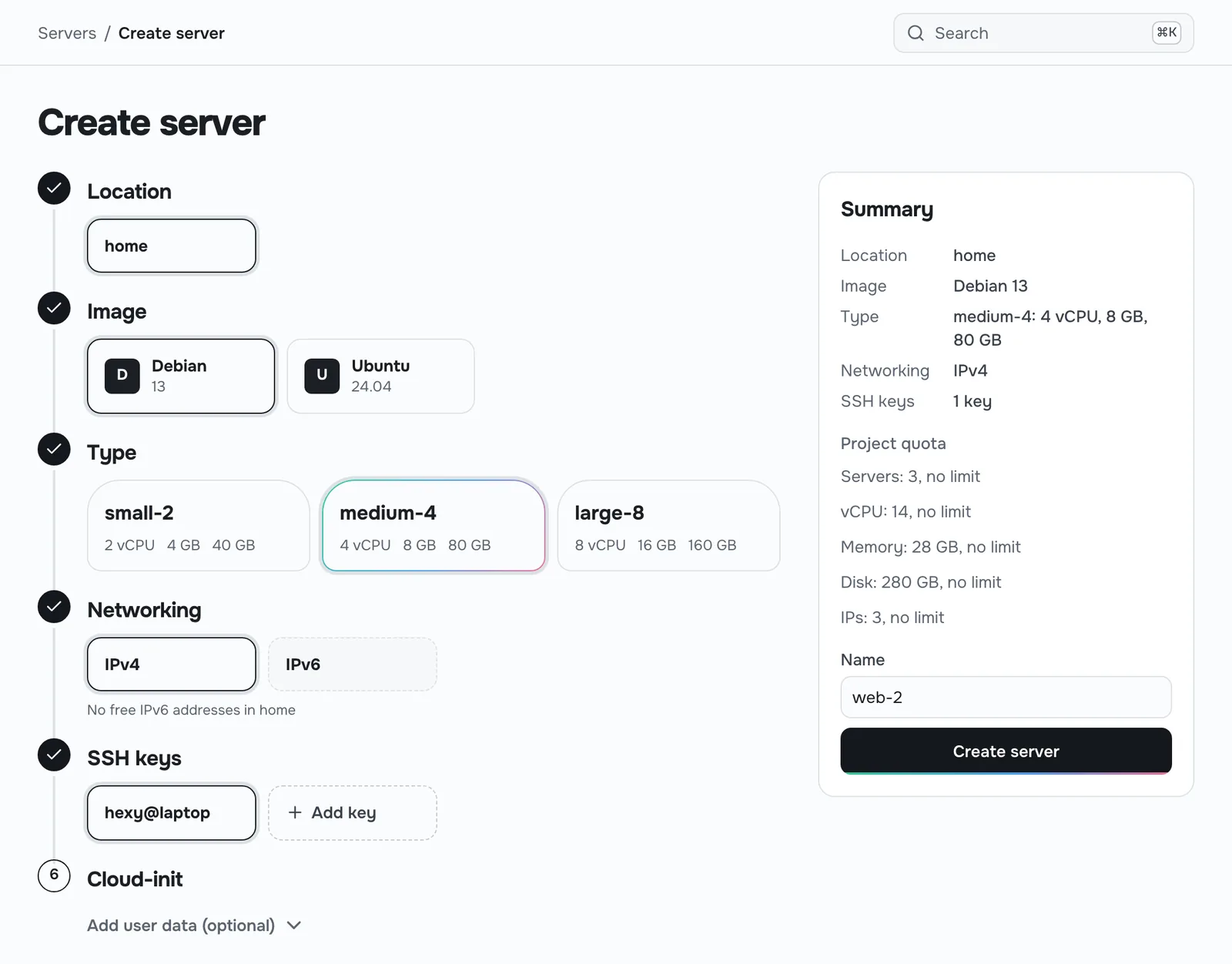
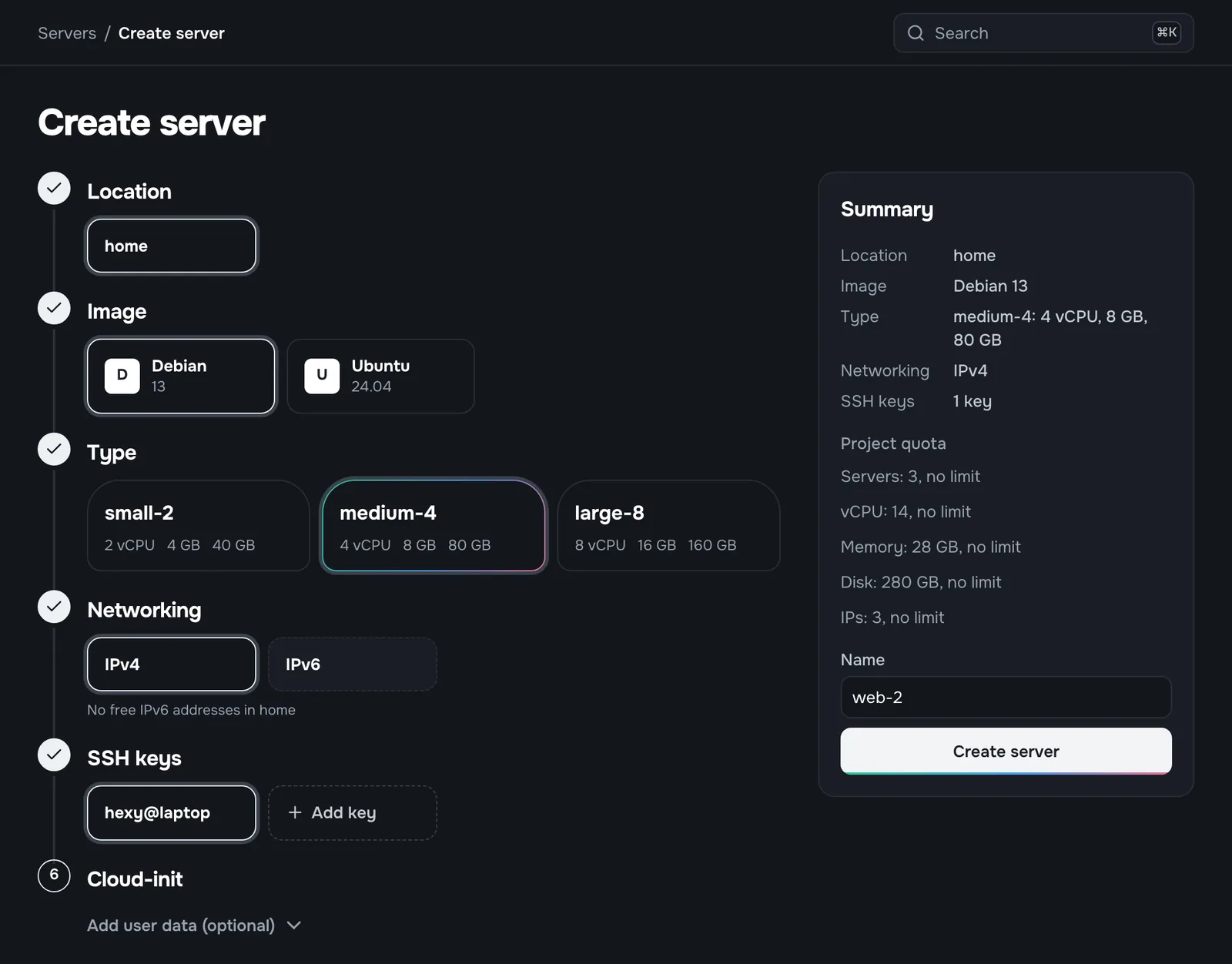
No VMIDs, storages or bridges
When you only want a Debian box for an afternoon, Nebla picks the node, the VMID, the disk storage and the IP for you. You choose an image and a size.
Official images for Debian, Ubuntu, Rocky Linux, AlmaLinux and Fedora are one click away on Proxmox VE 8.4 or later.
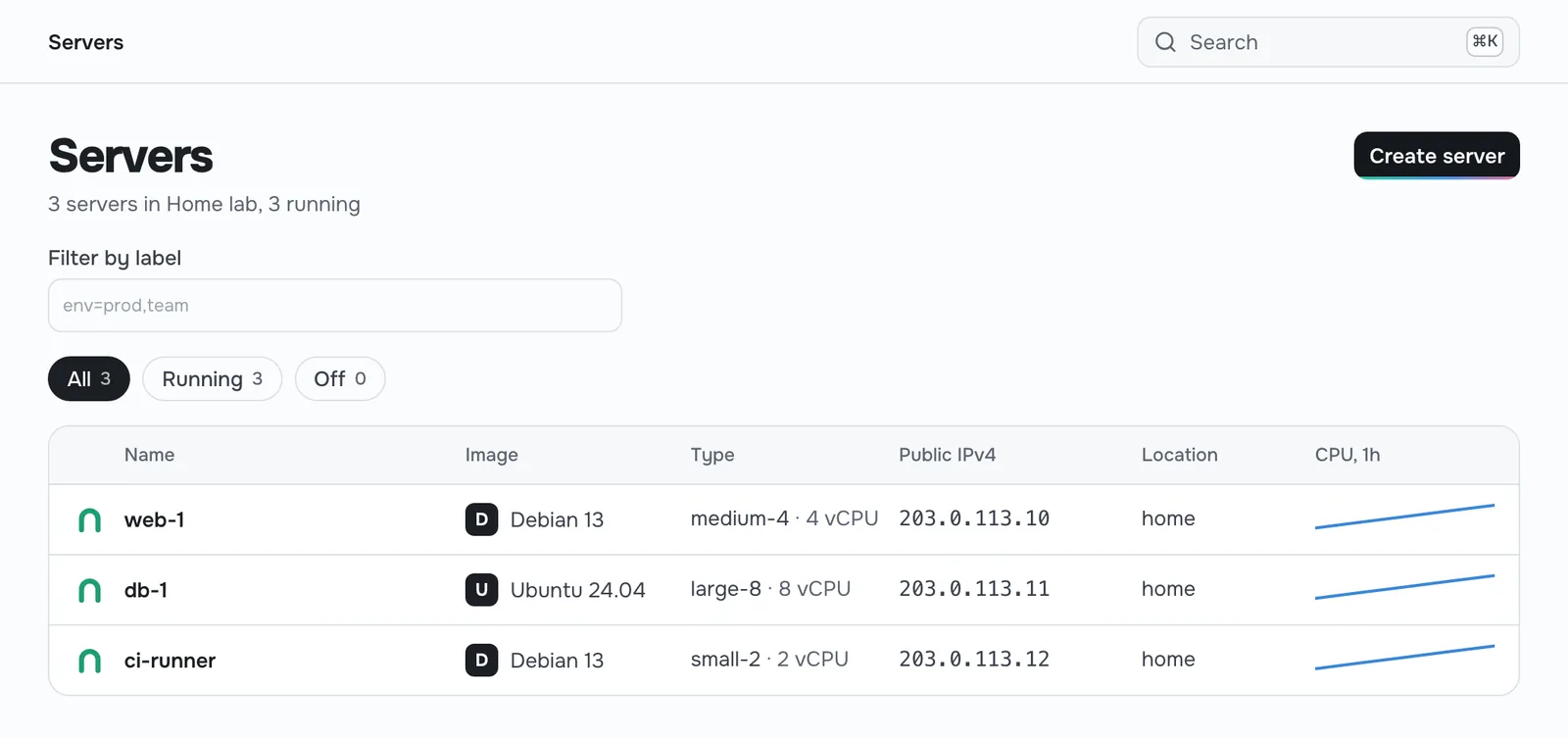
Script it
Every button in the panel has a CLI command and an API endpoint behind it. Make a read-write token for your automation and a read-only one for your dashboard.
Install the CLI with brew install nebla-cloud/tap/nebla or grab a binary from GitHub Releases.
$ nebla context create home
Endpoint: https://nebla.home.arpa
Token: ********
$ nebla server create --name pihole \
    --type small-2 --image debian-13 --ssh-key laptop
Server pihole is running at 192.0.2.40
$ nebla server ssh pihole
Free and open source, with no limit on nodes.
Nebla's core is AGPL-3.0. Homelab users get the whole thing. The only paid part is a module for people who sell servers to customers.
About the licence