What Nebla does
Nebla turns Proxmox VE into a self-service cloud: projects, servers, images, SSH keys and API tokens, with a panel and a CLI on the same API.
Servers, from create to delete
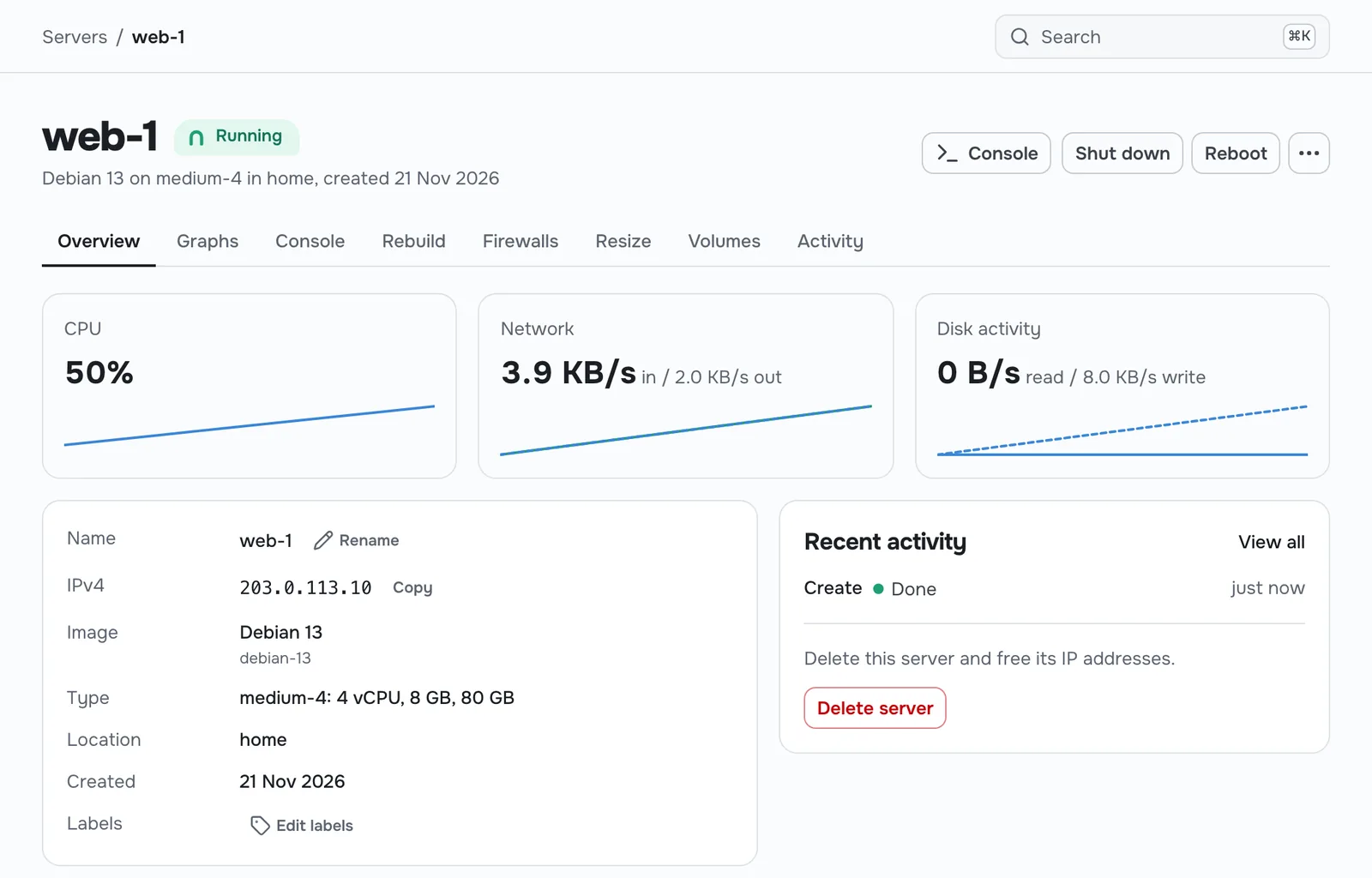
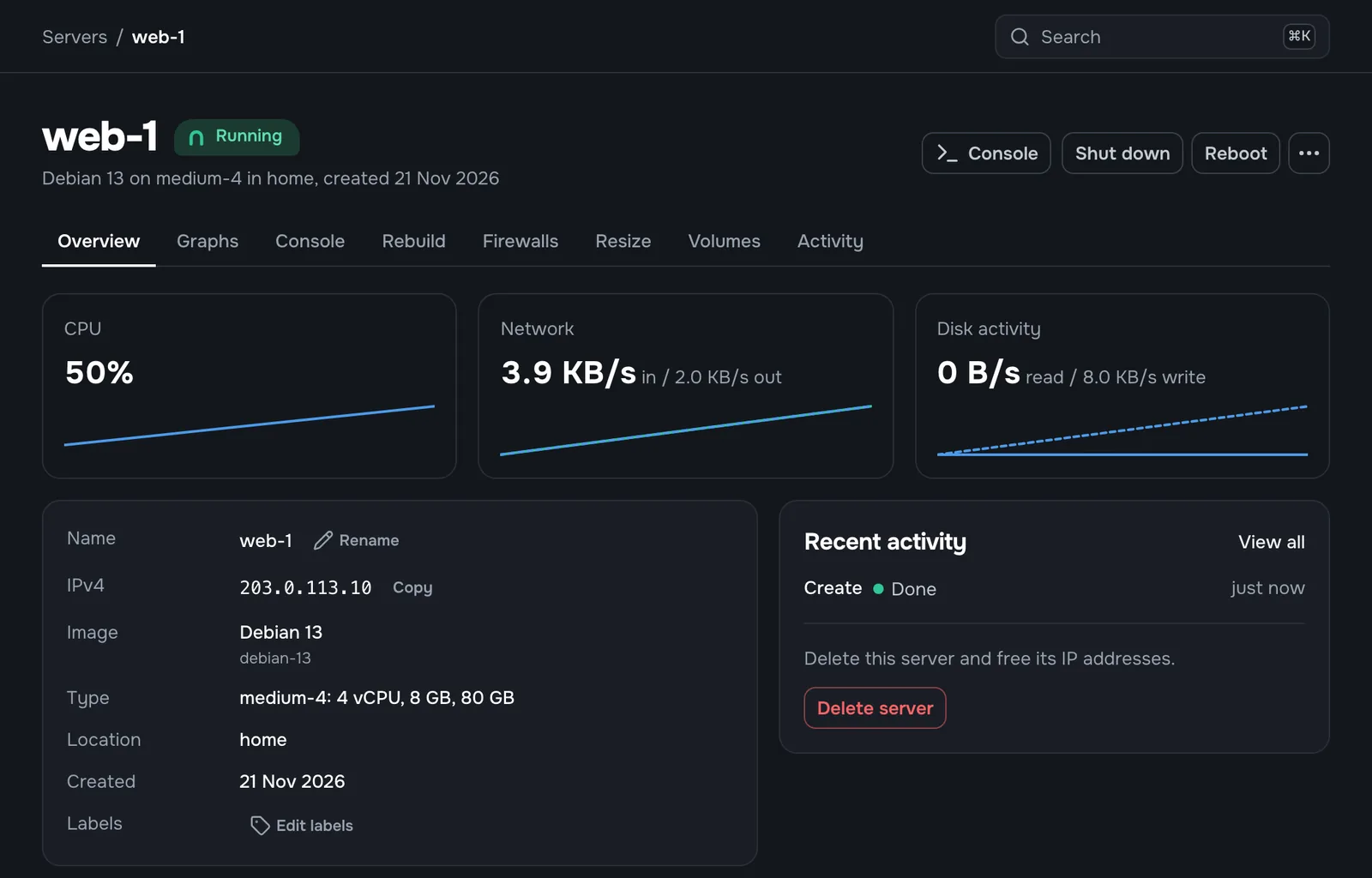
Create a server in one page: location, image, type, IPs, SSH keys, optional cloud-init user data and a name.
After that you can rename it, power it on, off, reboot, reset or shut it down, rebuild it from another image, change its type, and delete it.
The web console opens in the browser. Nebla proxies it, so users never need Proxmox credentials or network access to the host.
OS images in one click
Nebla ships a catalog of official cloud images for Debian, Ubuntu, Rocky Linux, AlmaLinux and Fedora. An admin enables an image for a location and Nebla downloads it through the Proxmox API and builds the template.
This needs Proxmox VE 8.4 or later. You can also register your own cloud-init templates, which works on every supported version.
$ nebla image list
NAME            OS        LOCATIONS
debian-13       debian    home, rack-2
ubuntu-24.04    ubuntu    home, rack-2
rocky-10        rocky     home
fedora-42       fedora    home
SSH keys and cloud-init
Store SSH keys per project and pick them when you create a server. Nebla injects them with cloud-init along with the hostname and network settings.
Add your own cloud-init user data to install packages or run setup scripts on first boot.
$ nebla ssh-key create --name laptop --public-key-from-file ~/.ssh/id_ed25519.pub
SSH key laptop created
$ nebla server create --name app1 --type small-2 --image ubuntu-24.04 \
    --ssh-key laptop --user-data-from-file cloud-init.yaml
Server app1 is running at 203.0.113.21
Built for more than one user
- Server types
- Admins define plans as vCPU, memory and disk, and can limit a plan to some locations. Users pick a plan, never a raw Proxmox setting.
- Locations and many clusters
- Each location is a Proxmox cluster or a standalone node. Nebla places each new server on the node with the most free capacity that has the image.
- IP pools
- Pools per location, with bridge, optional VLAN tag, CIDR, gateway and DNS. Each server gets a static IPv4 and an optional IPv6 through cloud-init, and they are freed on delete.
- Volumes
- Extra disks you attach to a server. A volume keeps its data when you detach it, rebuild the server or delete it, and can move to another server in the same location.
- Firewalls
- Inbound and outbound rules you apply to servers directly or by label, so new servers with the right label are covered as soon as they boot.
- Tenant isolation
- Every server's network card runs the Proxmox firewall with IP and MAC filtering, so one tenant cannot claim another tenant's address.
- Projects, members and quotas
- Members get owner, admin, member or read-only roles. Admins set per-project limits on servers, vCPU, memory, disk and IPs.
- API tokens
- Tokens belong to a project and are read-only or read-write, so a script only reaches the servers it should.
- Actions
- Every change returns an action with its status and progress. The panel shows it live and the CLI can wait for it to finish.
- Stays in sync
- A reconciler reads VM state from Proxmox, so changes made in the Proxmox UI still show up correctly in Nebla.
- Accounts and sign-in
- Local accounts that sign in with a passkey, or a password plus TOTP two-factor. The admin creates users or sends invite links. Open sign-up is off until the admin turns it on.
- Admin area
- Connect Proxmox clusters, then manage server types, images, IP pools, users and quotas from one place.
An API first, then a panel and a CLI
Nebla has a REST API at /v1, described by an OpenAPI spec. The CLI is generated from that spec, so it covers what the panel covers. It keeps contexts for each panel you use and prints tables, JSON or YAML.
Coming next
- Snapshots and backups
- Private networks and floating IPs
- The reseller module
- Load balancers and managed certificates